

Orchestral v2.0 (updated)
A multiphonic orchestra, playable on Zoia.
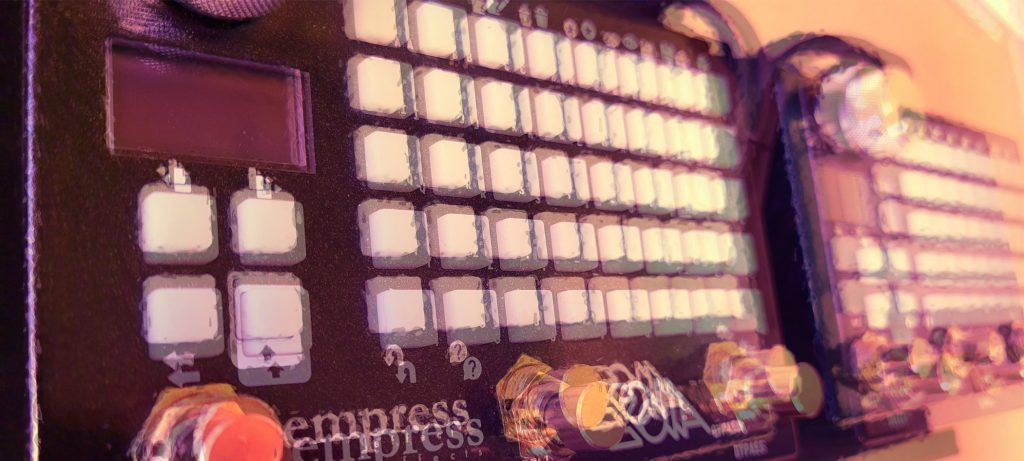
The front page consists of 5 separate keyboards, one for each oscillator. Play them simultaneously for chords and a full cinematic experience. Currently tuned to D minor, the saddest of all keys.
———————————————————————
Version 2.1 corrects some phasing when playing certain intervals. Ramping of the dynamics is also smoother.
Version 1.1 adds some dynamics. I went with switches versus the expression input because I wanted the patch to be contained entirely within Zoia. Modules for the changes are at the bottom of the Mixer/Filter page.
Left Switch: This will momentarily make the vibrato more pronounced. This is subtle, but nice when you want it.
Middle Switch: Softens the sound and goes into performance mode (purple) to indicate this.
Right Switch: A momentary swell in volume and opens the filter slightly for more expressive moments.
————————————————————————-
Most major controls are in Pink, which seems to
stand out the most to me.
–Slew Limiter Page:
Common control in Pink
—Oscillator Page:
The upper right corner control will adjust the overall pitch of the keyboards. The lowest section can be “too low” at times, so boosting this up a few semi-tones can make it more usable.
—ADSR Page:
The controls on the right are labeled and will adjust all the ADSRs together to save you some time. I have them offset a little, but they will move together using these controls
—Mixer / Filter Page:
Adjust the mixer as you like. I find I am always tinkering here.
The LP filter is mildly affected by the attached ADSR in Aqua. Adjust where the filter is biased depending on your speakers.
—Vibrato Page:
This effects all oscillators equally.
—Reverb / Stereo Spread
Self-explanatory.
This is another patch pushing the DSP to its limits. If she starts to crackle, remove up-sampling from one of the oscillators.
The main magic to this patch is the stereo spread module. Playing it in mono yields only decent results.
Enjoy! Please leave me feedback so I can improve this and other patches. Big thanks to Christopher H. M. Jacques for his YT videos and patches, helping me bring my own creations to the next level.

I only wish this patch went to 11!
Amazing