
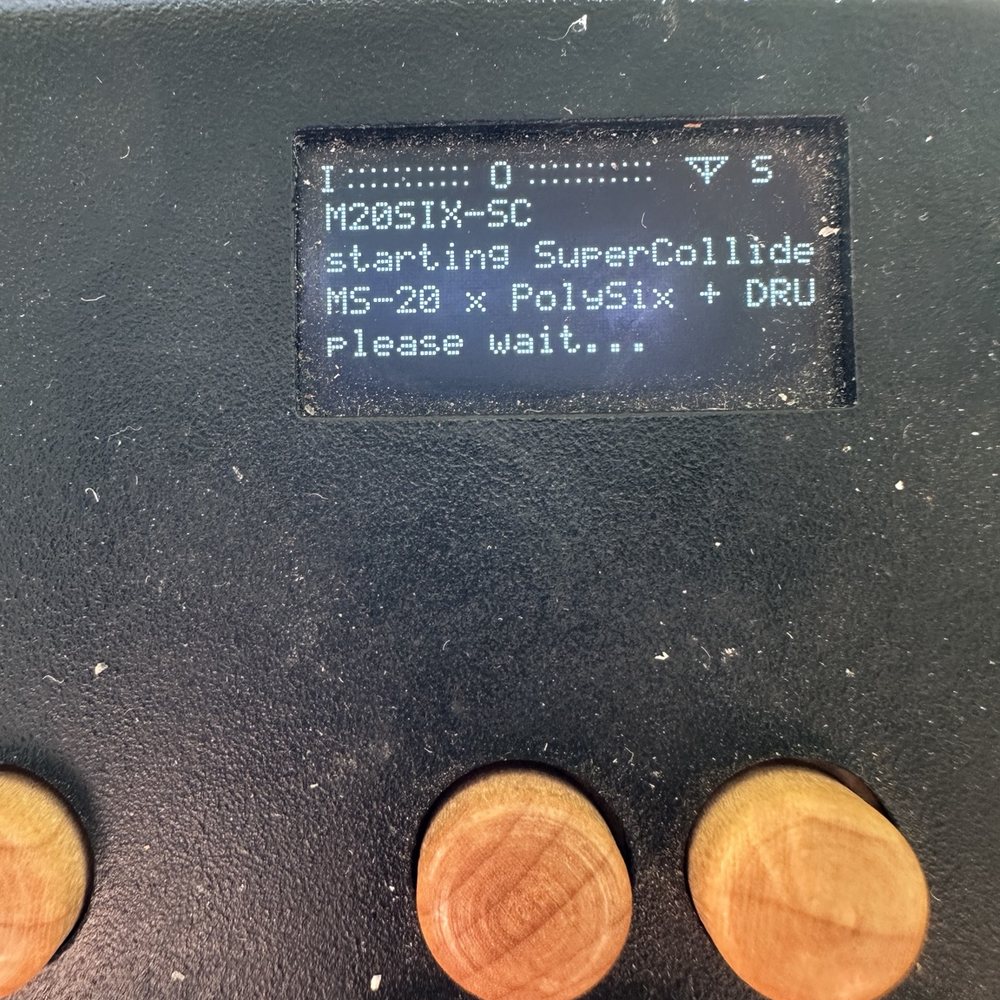
M20SIX v2.0 – Advanced Drums for Organelle S2.
This version expands the previous M20SIX release with improved drum functions, safer note handling and global octave control for the synth.
NEW IN v2.0:
• Advanced drum section
• Global synth octave transpose: -3 to +2 octaves
• Hold AUX + turn the encoder left/right to change octave
• AUX + long encoder press = PANIC / ALL NOTES OFF
• Long encoder press without AUX = clean exit
• Improved protection against stuck/residual notes
• Octave setting can be stored with USER memories
• Drum pitch remains independent from the synth octave setting
Tested on Organelle S2.
This is the stable release based on Pascal’ s successfully tested TEST4 build.

Hi! I’d love to try it, but keep getting “sclang missing” error :(
Hi! Thanks for trying M20SIX. Could you tell me:
1. Which Organelle model you have?
2. Which OS version you’re running?
3. If you can open Terminal, what do these commands return?
which sclang
sclang -v
Please send me a photo or copy the result here. That will help me see why your system says “sclang missing.”
If easier, just send me a photo of the Terminal results.
Once I know your configuration, I’ll check the compatibility issue and prepare a fix for you if needed.
Thanks for helping me test it!
I prepared a special Organelle M compatibility test build for M20SIX v2.0 – Advanced Drums.
This version keeps the synth, sequencer and drum functions unchanged, but updates the launcher so it can handle the different SuperCollider/JACK setup found on Organelle M systems.
Please install the attached file as a separate patch:
M20SIX_v2.0_M_COMPAT_TEST1.zip
Then try opening it and let me know what happens.
If it works, please also tell me which Organelle OS version you are running so I can confirm the compatibility fix.
If it still fails, please send me the contents of:
/sdcard/data/m20six/m20six-log.txt
That should tell me exactly where the launch is failing.
Thanks again for helping me test Organelle M compatibility!
Attachment M20SIX_v2-6abaa7ba541c5.0_M_COMPAT_TEST1.zip
Hi Pascal, thank you for such a quick response
I own S2 model, running 5.1 OS.
Since I am kind of a newbie on organelle, it could be a problem that I don’t have something necessary installed (all of your latest patches have the same error and don’t launch).
I tried both commands in terminal, but then it says “bash: sclang: command not found”
Thanks — I’ve now prepared a specific Bass Collider test for your Organelle S2 running OS 5.1.
Your result showed that sclang is completely missing, so this version includes an installer for the required SuperCollider components.
Please connect your Organelle to the Internet first, then install:
BASS_COLLIDER_OS51_INSTALL_TEST1.zip
The first installation may take several minutes. Please do not power off the Organelle while it is installing.
When it says SuperCollider is ready:
1. Reboot the Organelle once.
2. Launch Bass Collider.
3. Let me know whether it opens and produces sound.
If it still fails, please send me these two files:
/sdcard/data/basscollider/os51-install.log
/sdcard/data/basscollider/basscollider-log.txt
This is still a test build, so your result will tell us whether the OS 5.1 compatibility solution is working.
Thanks again for testing!
Attachment BASS_COLLIDER_OS51_INSTALL_TEST1-6abba7d49a29c.zip
If it works I will send you
Also the fix for the collider M20SIX v2.0 – Advanced Drums