
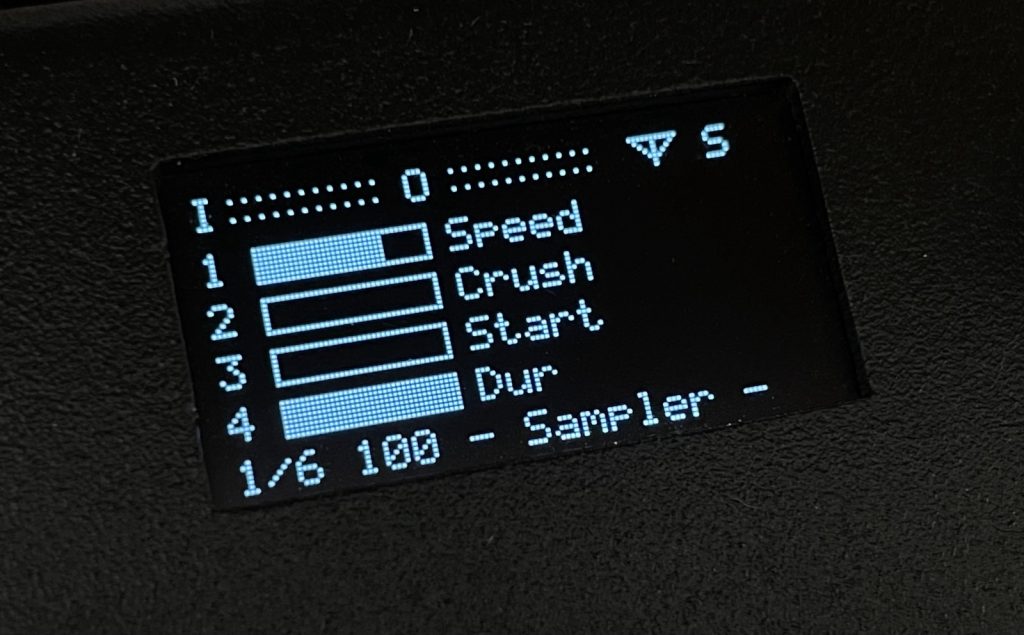
Todo: Rename some menu entries for clarity. Works really well already.
Play a sample chromatically with ADSR, filter and loop points. Based on my Orac patch from a few years ago.
Detailed manual: https://marv.paperboat.website/iron-sampler-play/
Use the encoder to navigate pages.
On an “AUX” page, use the AUX button and the black keys to select an option, for example Rec, Oct+, Reset, etc.
Knobs do nothing? Catch-up is enabled: Rotate the knob far enough to catch the current setting.
Workflow:
1. Record a sample through the mic or line-in
2. Adjust speed, start and duration. Add low bitrate crush for some character
3. Set loop points if you like
4. Start a sequence on the Arp/Seq page
5. Play around with the filter
6. Save your sample patch if you like it
Press the encoder to exit to the Organelle menu.
Based on C&C PLAY patches. This patch was created with Claude (Anthropic), model Opus 4.7 (claude-opus-4-7).

maybe i am mis-understanding your instructions, but holding AUX and tapping C# in monitor off mode triggers a recording state, but when i let the recording run out or tap C# again to end early I am getting a “no recording” message each time. Recording through the on-board mic. Any thoughts?
Is it S2 compatible only? I also don’t get a recoding, exactly what @avantgov asked already
error: writesf~ wave: /sdcard/Patches/PLAY/IronSampler/samples/_recording.wav: No such file or directory