
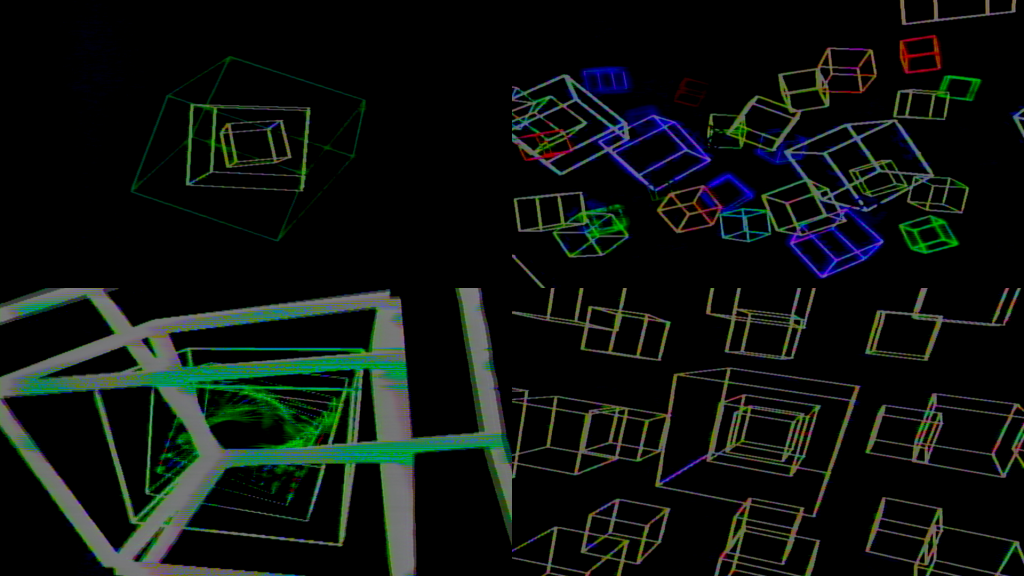
The first of my public patches I’ve been working on for my live shows with Lin Pesto. Check out my work on Instagram:
https://instagram.com/ordinaire.x
For more complex and varied Eyesy visuals, check out my Patreon.
https://patreon.com/ordinairex
Knob 1: Face Fills & Density
Knob 2: Scene Macro / Geometry
Scene 1 (Asteroids): Multiplies the base size and collision bounds of the particles.
Scene 2 (Tunnel): Controls the global Z-axis twist and rotation speed.
Scene 3 (Grid): Cranks up the sine-wave displacement/warp intensity across the 3D matrix.
Scene 4 (Gyro): Increases the total number of concentric, nested cubes being generated.
Knob 3: Feedback Trails
Press the frame grab button and use knob 3 to control the intensity.
Knob 4: Color Cycle Speed
Set to 0, the color palette is locked in place.
Knob 5: Scene Transition Trigger
Turning past 50% fires the wipe transition and queues up the next scene.
