
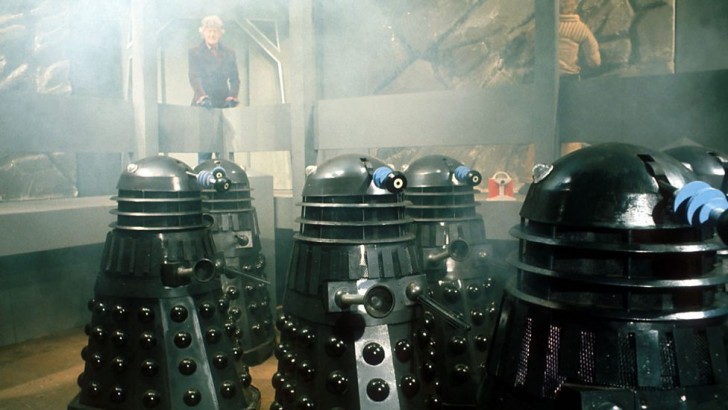
Now, you too can sound like a Dalek! Great for ring tones! Annoy your friends and family!
The setup is a wav file mixed with a ring modulator and then some EQ and reverb.
1. The far left has a button that will trigger the WAV file.
2. Next to it is the WAV BANK. Right click on this and choose the folder that has the wav file you want to use as your Dalek. If you want the wav to continually loop, flip the switch to LOOP and the press the button.
3. Next to that is the VOICE MIXER. This will mix the original wav file with the ring modulator. All the way up is pure ring mod, and all the way down is only the wav file.
Next to that is the RING MODULATOR. You can play with the COARSE knob (frequency) and the octave to get various Dalek tones. You can also switch out the sine wave for a square, etc.
4. EQ and reverb to taste…
The are 3 files attached in a ZIP. The patch, an exterminate wav file and Hamlet’s “to be or not to be” soliloquy (for your more cultured Daleks).

Hello I have tried this and got some decent results but I did have to add Vult Debriatus and Laterus to get more distortion on the voice.
I have also found the following links to digital versions of Radiophonic modulation devices:
https://webaudio.prototyping.bbc.co.uk/gunfire/
https://webaudio.prototyping.bbc.co.uk/wobbulator/
https://webaudio.prototyping.bbc.co.uk/ring-modulator/
https://webaudio.prototyping.bbc.co.uk/tapeloops/
Not sure if you have seen these links before but they are definitely worth playing around with to see how they work.