
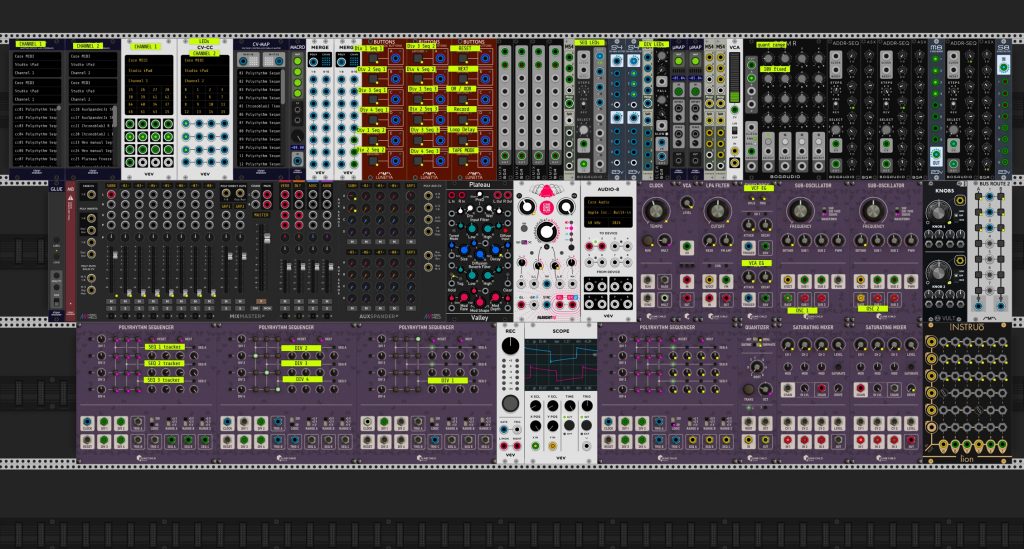
A TouchOSC Subharmonicon control surface. Now with a separate layout for phones as well!
To use this patch you need the excellent Slime Child commercial collection in VCV. The rest of the modules are all free. You also need TouchOSC installed on your tablet or phone.
If you are new to TouchOSC, you will need the TouchOSC editor installed on your computer to install the SubharmoniconTouch layout. Once the layout is installed, on MacOS connect your iPad and enable it in the Audio MIDI Setup application.
When you first open the patch in VCV you need to select your device in 4 modules at the top left of the patch. Once you have done that I suggest you save the patch, close and reopen it to quickly sync TouchOSC and VCV.

Hello Naveen, I have ordered a Android Tablet with Wifi, and I am going to get TouchOsc for it, I have downloaded the Editor and Bridge from their website. Have you any idea how the Android tablet and my Laptop will communicate, would it be as a MIDI device through Stoermelder’s MIDI-Cat, once TouchOsc is installed on the tablet?
Thanks for your time.
Yes it will show up as a midi device. MIDI-Cat is really great with TouchOSC as it’s bidirectional but VCV is super flexible with MIDI controllers and I have struggled getting some controls to work with MIDI-Cat, so I’m using some alternatives in this patch. Good luck with your tablet, TouchOSC is a blast!