A bank of 40 percussion sounds.
> Tap on link below- Dropbox will open
> Tap on the 3 dots (top right)
> Select EXPORT
> And then OPEN IN Model15
https://www.dropbox.com/s/j8wglin6hwx41kw/RUNCELL_PERC.m15b?dl=0

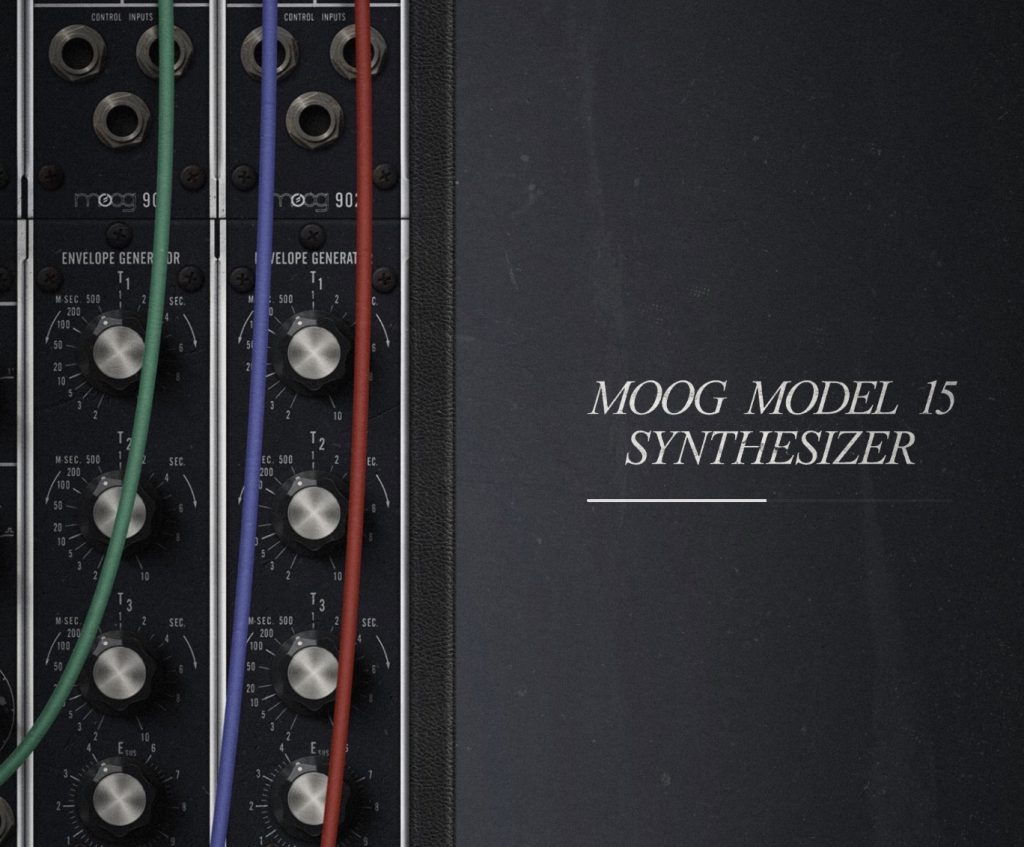
A bank of 40 percussion sounds.
> Tap on link below- Dropbox will open
> Tap on the 3 dots (top right)
> Select EXPORT
> And then OPEN IN Model15
https://www.dropbox.com/s/j8wglin6hwx41kw/RUNCELL_PERC.m15b?dl=0
You must be logged in to post a comment.

privacy policy | contact us | discord | api | github issues
>This is something that I do, it may help you or provide you with ideas..
>I load Model15 onto an AU midi track in Cubasis.
>I select a kick drum sound and record a midi sequence
>I freeze the Model15 midi track (kick drum seq) to get an audio part.
>I can now unfreeze Model15 and select a new sound – Snare drum
>And create a new (snare drum) midi sequence – to go with the kick drum audio part
>Once happy with snare seq, freeze it to an audio part.
>Again, unfreeze Model15 and select a Hi-Hat sound
>Create a Hi-Hat midi sequence – to go with the kick & snare audio parts – and freeze it
>So on and so on.. Once I have my 3, 6, 8 or however many drum tracks, I mixdown to 1 audio track.
>Now I have a (Model15) stereo drum track that can be loaded into various apps – NanoStudio, Egoist and SunVox to name a few.
NOTE-If problems occur after freezing then unfreezing Model15 then drag the newly created audio part onto a new audio track and delete the (now empty) audio track that the freeze created.. Then unfreeze Model15 and close down (swipe up) Cubasis.. give it a few sec.. before opening up again… Now it’s glitch free and a new sound can be selected in Model15
All the best
RUncELL